
Is 24 Inches Deep Enough for a Desk?
Some links on DeskFootprint earn us a commission at no extra cost to you. This page has no affiliate links and no product links. How we’re funded
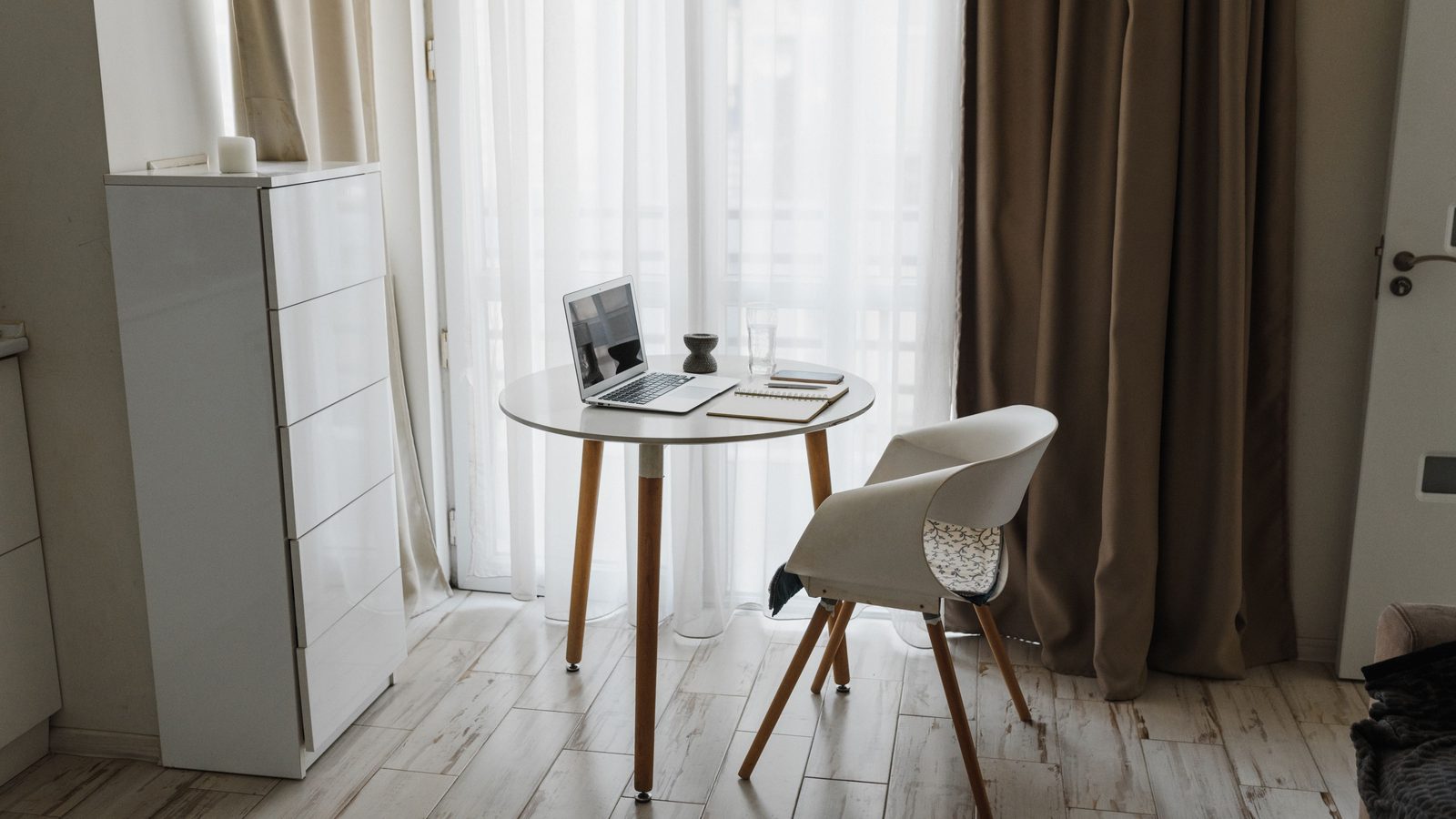
Search “is 24 inch depth ergonomic” and you will find confident answers. We went looking for the rule behind them. None of the ergonomics sources we read sets a desk depth at all. OSHA and the ANSI/HFES standard set a distance from your eyes to the screen. Whether a 24 inch deep desk gives you that distance depends on your screen, its stand and where you sit, and you can check it with a tape measure in five minutes.
Planning the whole room? Check your measurements first.
The short answer
There is no standard 24 inch rule for desk depth. OSHA says the work surface should let you view the monitor at least 20 in (50 cm) away. Cornell’s checklist of ANSI/HFES 100-2007 says the depth should allow a viewing distance of at least 50 cm (19.7 in). Both measure from your eyes, which sit behind the desk’s front edge, so neither one converts into a required desk depth.
A 24 in top can be enough for a flat screen on a slim stand, because your own distance from the edge adds to it. It can still fall short with a deep monitor base pushed forward, or if you sit pulled in tight. Measure before you decide.
What the standards actually say
We read each page below on October 8, 2026, and quote it word for word.
“Put monitor directly in front of you and at least 20 inches away.”OSHA, Computer Workstations eTool: Monitors
“Generally, the preferred viewing distance is between 20 and 40 inches (50 and 100 cm) from the eye to the front surface of the computer screen (Figure 1).”OSHA, Computer Workstations eTool: Monitors
“Work surface depth should allow you to: View the monitor at a distance of at least 20 inches (50 cm).”OSHA, Computer Workstations eTool: Desks
“Depth should allow a viewing distance of at least 50 cm (19.7 in.).”Worksurface Checklist (ANSI/HFES 100-2007), Prof. Alan Hedge, Cornell University: PDF
“…the monitor should be at a comfortable horizontal distance for viewing, which usually is around an arms length (sit back in your chair and raise your arm and your fingers should touch the screen).”Cornell University Ergonomics Web: Workstation guide
“The existing guidelines and recommendations on both viewing angle and particularly on viewing distance differ, sometimes significantly from one another.”CCOHS: Positioning the Monitor
OSHA’s own evaluation checklist gives a slightly softer figure for the same idea: “(Generally, about 18 to 20 inches or arm length)”. The monitor and desk pages say at least 20 in. We report both rather than pick one.
Notice what is missing. OSHA’s desk page tells you what the depth should allow, not what it should be. The Cornell checklist does the same. We also checked BIFMA’s public standards page, and it lists no desk depth. We did not read ISO 9241-5 itself, so we use no number from it.
Why viewing distance is not desk depth
Viewing distance runs from your eyes to the front of the screen. It has two parts: how far your eyes sit behind the front edge of the desk, and how far the screen sits in from that edge. The desk only controls the second part, and only up to its own depth minus whatever sits behind the screen (the monitor stand’s base, or the screen’s own body).
Side view. Where the 20 inches is measured
Illustration only, not to a measured person. Scale 1″ = 14 px.
Viewing distance = eye-to-edge + edge-to-screen. Only the second part comes from the desk. That is why no desk depth can be read off a viewing-distance rule.
Two people at the same 24 in desk can get different viewing distances. One sits back with the screen against the wall. The other pulls the chair in and pushes the screen forward to make room behind it. A shallow desk can still meet 20 in if you sit back from the edge or put the screen on an arm. A deep desk can miss it if the screen is pulled close. The desk depth sets a limit, not a result.
So is 24 inch depth ergonomic?
No source we checked calls 24 in ergonomic or unergonomic, because none of them rates desk depth at all. What you can say is narrower and more useful:
- A 24 in top gives you up to 24 in from the front edge to the wall. Subtract the depth your screen and stand need behind the screen face, and the rest is how far in from the edge the screen can sit.
- Add your own eye-to-edge distance. If the total is at least 20 in (OSHA) or 50 cm (the ANSI/HFES checklist), the desk allows the distance those sources ask for. OSHA’s preferred range runs to 40 in.
- If it comes up short, OSHA’s monitor page suggests pulling the desk off the wall, using a flat-panel screen, placing the monitor in a corner, or adding a keyboard tray. A monitor arm does a similar job by moving the screen back over the rear edge.
Cornell’s arm’s-length test is a quick sanity check: sit back, raise your arm, and your fingers should touch the screen. CCOHS reminds readers that guidelines on viewing distance differ and are not a commandment, and that a larger font is better than sitting closer.
What compact desks in our sample offer
Among compact desks, 24 in is already past the deep end, at least in the sample we studied. In our study of 100 Amazon listings sold as compact, small space or apartment desks, none of the 90 rectangular desks whose dimensions we could confirm was deeper than 60 cm (23.6 in). One excluded listing publishes conflicting figures (24.8 in vs 19.69 in). The single most common depth was exactly 40 cm (15.75 in), shared by 25 desks. The next largest clusters were 50 cm (19.69 in, 15 desks) and 60 cm (23.62 in, 9 desks). The median was 17.7 in.
So in that sample, a “24 inch” compact desk is usually a 60 cm desk, and it publishes 23.6 in in the spec table. That is a sample of Amazon listings from one evening, not every desk sold in the US. Among the 100 desks we counted, the only ones over 24 in were L-shaped and corner models, measured as their whole footprint.
How to decide for your desk
- Measure what sits behind the screen. Find the monitor’s depth with its stand (on the spec sheet, or measure the stand’s base front to back). Note how far the screen face sits in front of the back of the base.
- Work out the furthest the screen can sit from the front edge. Desk depth minus the space behind the screen face. On a 24 in desk with 6 in behind the screen face, that is 18 in. If the desk stands off the wall, add that gap.
- Measure your seated eye-to-edge distance. Sit the way you work, with the keyboard where you type, and measure from your eyes to the front edge of the desk. Do not borrow a number for this. It changes with the chair, the keyboard and how you sit.
- Add the two. If the total is at least 20 in, the desk allows the OSHA minimum. If it is under 20 in, plan an arm, a slimmer stand, or a gap behind the desk.
- Check the keyboard fits in front of the stand. The keyboard and some room for your wrists must fit between the front edge and the stand’s base. Measure your keyboard’s depth.
- Then check the floor. A deeper desk costs walkway. Put the depth into Will it fit? and see what is left to walk through.
The 6 in figure in step 2 is an example, not a typical value. Use your own measurements.
Weighing 24 against 30 inches for a room you already know? Read desk depth: 24 vs 30 inches.
Numbers that get misread
23.6 in on the Cornell checklist. The ANSI/HFES checklist does contain 60 cm (23.6 in), but as a requirement for foot clearance under the desk: “60 cm (23.6 in.) deep at the level of the foot”. It is legroom, not the depth of the top.
31.5 in from CCOHS. CCOHS mentions a resting point of accommodation around 80 cm (about 31.5 in). That is a distance from the eye, and CCOHS does not turn it into a desk depth.
The depth field on a listing. In our sample of 100 Amazon listings, 15 had the larger number in the depth field. Read the title and bullets as well, and check that the depth you see is the short side.
FAQ
Is 24 inch depth ergonomic?
No source we checked rates a desk depth as ergonomic or not. OSHA and the ANSI/HFES checklist ask for at least 20 in (50 cm) from your eyes to the screen. A 24 in desk can meet that because your own distance from the front edge adds to it. Check with your screen, stand and seating.
What is the standard desk depth?
None of the eight source pages we checked sets one. They set a viewing distance instead. For what compact desks actually publish, see our compact desk depth study.
Is a 20 inch deep desk too shallow for a monitor?
Not automatically. Whether it works depends on how much depth your stand takes behind the screen and how far you sit from the edge. A monitor arm frees the depth the stand would use.
Why do desks list 23.6 inches instead of 24?
23.6 in is 60 cm. In our sample, nine rectangular compact desks published exactly 23.6 in, and some titles called them “24 inch” deep.